Help
Access help files and resources in Microscopy Image Browser from Ribbon → Home → Help.
Overview
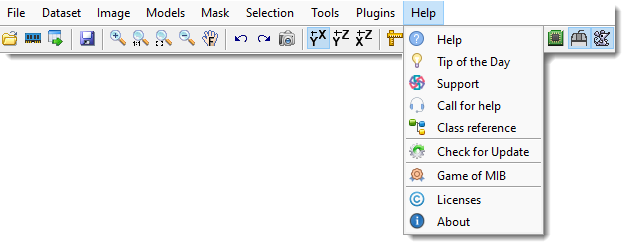
The Help button on the Home ribbon tab provides links to documentation, support, and additional information about Microscopy Image Browser (MIB).
Help
Help: these pages, containing general help about the MIB user interface and its functions
Tip of the day
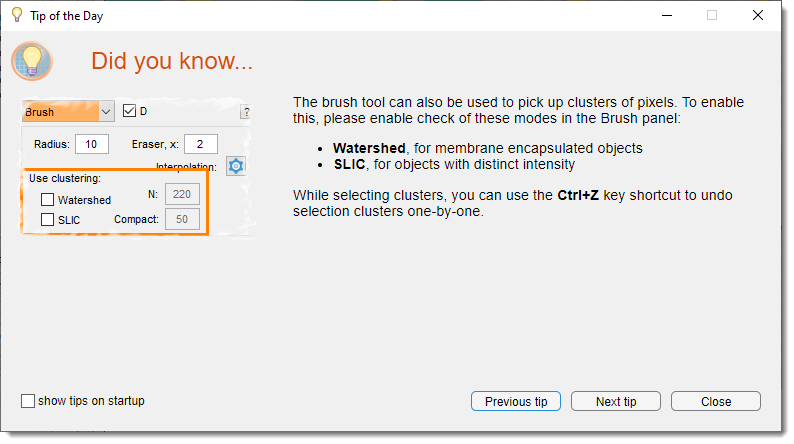
Tip of the day: displays a window with the tip of the day covering on specific MIB topics. Normally, the tip of the day is shown during startup of MIB, but it can be disabled (uncheck ).
Support
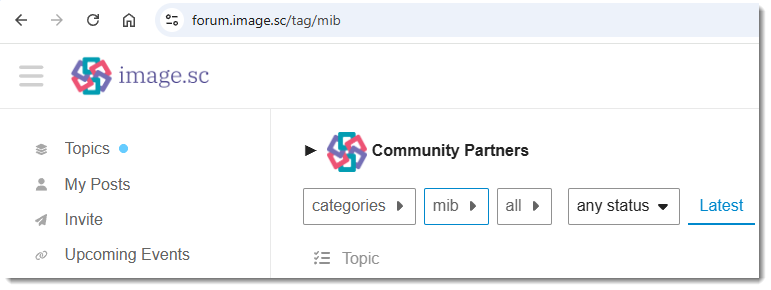
Support: directs to the image.sc forum for questions, suggestions, or bug reports.
Call for help
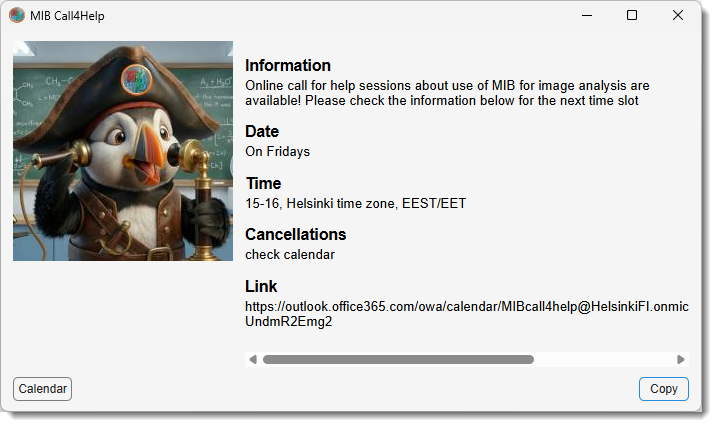
Call for help: get support during personal zoom sessions.
Copy the link to the reservation calendar to reserve a spot!
Class reference
Class reference: offers a reference to MIB’s classes and functions, this section is suitable for writing an own code and connect into MIB via the Plugins system.
There are few tutorials available mib.helsinki.fi
Examples of custom tools can also be found under the MIB\Development directory within MIB distribution
Check for Update
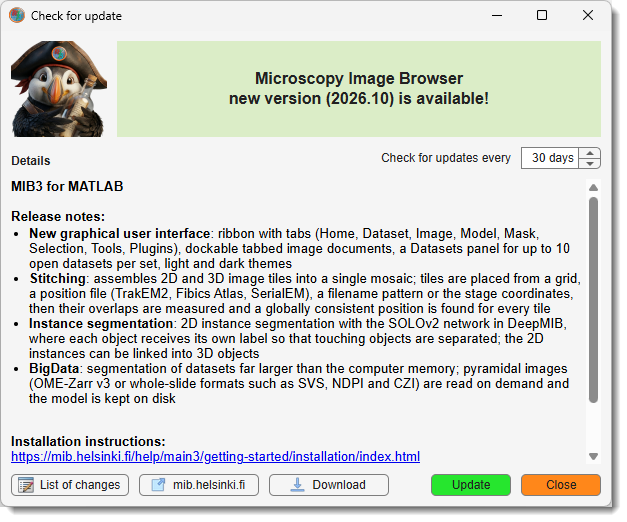
Check for Update checks for the latest available version of MIB
- You can press the button to get MIB distribution suitable for your system
- Press the button to update MIB automatically in case of MIB for MATLAB.
Game of MIB
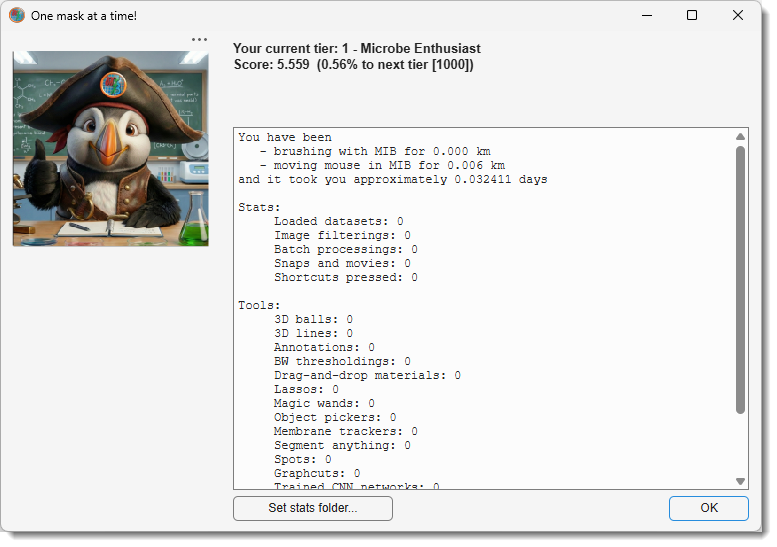
Tired of endless image segmentation?
We get it — brushing for hours and placing countless annotations can be exhausting.
But have you ever stopped to think about just
- how much work you've really done?
- how many kilometers have you "brushed"?
- or how many annotations have you placed?
Introducing The Game of MIB - a fun and motivating way to track your progress as you work!
Level up through the MIB tier system, from a padawan to MIB Guru (at Level 10), by simply doing what you do best!
Use Ribbon → Home → Help → The Game of MIB to open your personalized stats dialog.
See your current score, track your segmentation achievements, and make annotation just a little more fun.
Info
The tracking data stays on your computer and is not transferred anywhere away.
Each computer writes its own tracking file (mib_user_COMPUTERNAME.mat), and MIB adds up
every file it finds in the folder. Keeping that folder somewhere all your computers can
reach - your OneDrive or your network home directory - therefore makes your statistics
follow you. Use in the stats
dialog to choose it, and see
Sharing your statistics between computers.
Licenses
Licenses: displays information about MIB and other licenses
About
About: shows brief information about Microscopy Image Browser
Back to MIB | User interface | Ribbon