Deep MIB - Segmentation Using Deep Learning
Tools for training and applying deep convolutional networks for image segmentation in Microscopy Image Browser.
Overview
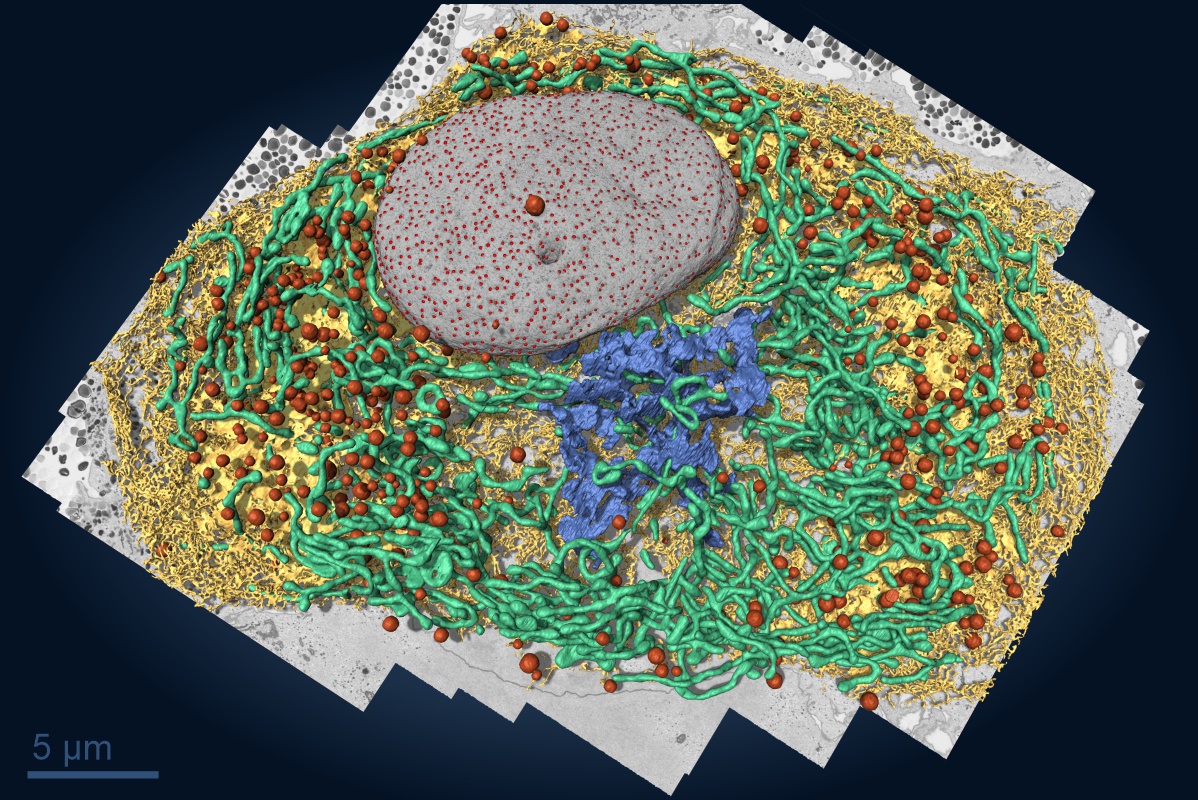
The Deep MIB tool in MIB enables training of deep convolutional networks on user data and their application for image segmentation tasks.
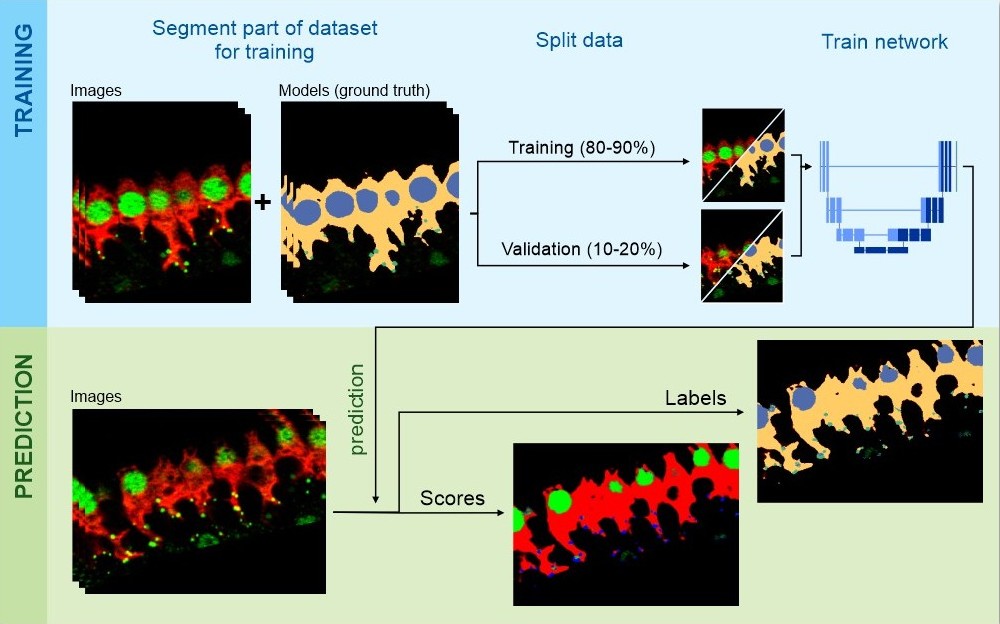
It supports a typical semantic segmentation workflow consisting of two phases:
- Network training: users define the network architecture via the Network panel and provide images and ground truth labels through the Directories and Preprocessing tab. the data is split into training (most of the data) and validation sets. the network trains on the training set and evaluates performance on the validation set using the Train tab.
- Image prediction: the trained network is saved to disk and can be used to segment new datasets via the Predict tab.
In addition to semantic segmentation, Deep MIB also offers a 2D instance segmentation workflow (SOLOv2), which detects each object individually. See 2D Instance Segmentation (SOLOv2) for the full procedure.
Getting started
For detailed tutorials, refer to:
Newest tutorial:
- Deep-learning segmentation using 2.5D Depth-to-Colors workflow in MIB
Older tutorials:
- DeepMIB: 2D U-net for image segmentation
- DeepMIB: 3D U-net for image segmentation
- DeepMIB, features and updates in MIB 2.80 (recommended for workflow without preprocessing)
- DeepMIB, 2D Patch-wise mode
Trained networks and examples:
- Deep learning segmentation projects of FIB-SEM dataset of a U2-OS cell
Generation of patches:
- Generation of patches for deep learning segmentation
See the sections below for detailed options in Deep MIB. for available workflows and networks, refer to the Network panel section.
Example networks
Demo pretrained Deep MIB projects are available for download and testing.
Access them via
Ribbon → Home → Example datasets → DeepMIB projects.
Detailed information is provided in the
Ribbon → Home.
Network panel
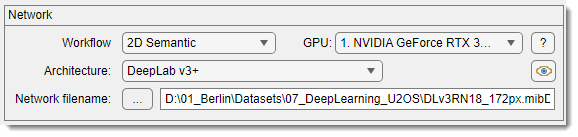
The Network panel selects the workflow and convolutional network architecture for training.
For more details, see Details of the Network panel.
Directories and Preprocessing tab
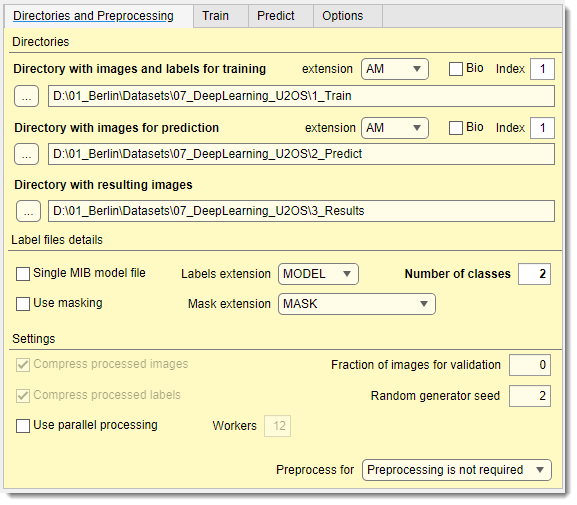
The Directories and Preprocessing tab specifies directories for training and prediction images, along with parameters for image loading and preprocessing.
For more details, see Details of the Directories and Preprocessing tab.
Train tab
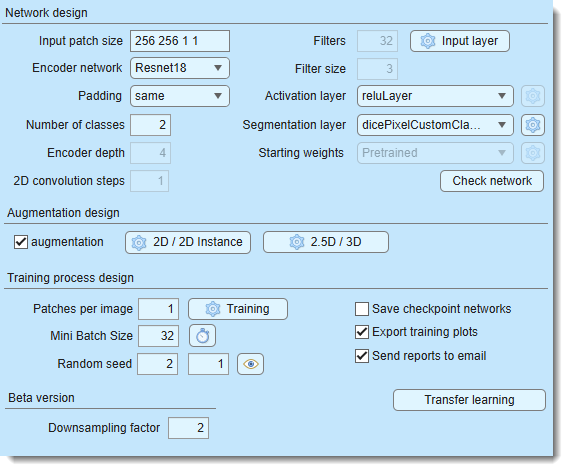
The Train tab configures settings for generating and training the deep convolutional network.
For more details, see Details of the Train tab.
Predict tab
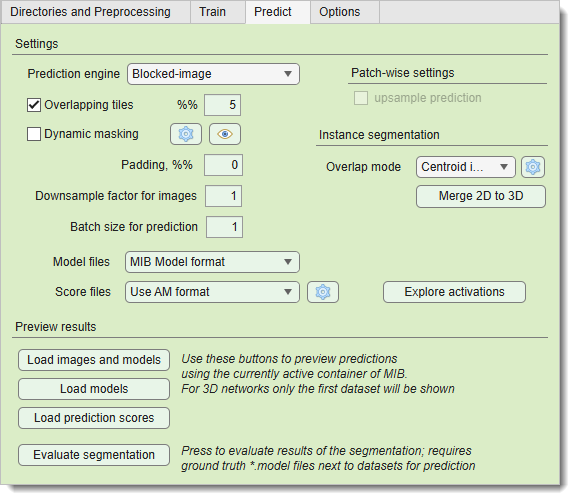
The Predict tab loads trained networks into Deep MIB for segmenting new datasets.
For more details, see Details of the Predict tab.
Options tab
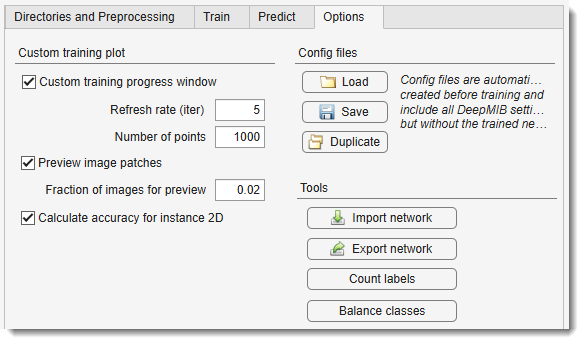
The Options tab provides additional settings and configurations.
For more details, see Details of the Options tab.
Back to MIB