Tutorials
Microscopy Image Browser (MIB) offers a range of tutorials to help you master its features,
from basic navigation to advanced image segmentation.
These resources are available in two formats:
detailed guides on the main MIB website and video demonstrations
linked from the MIB features page.
Below, we outline the tutorials organized by category to guide your learning.
Introduction
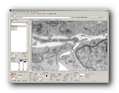
Introductory tutorials help new users get started with MIB’s interface and core concepts
Image Segmentation
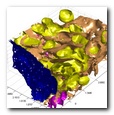
Segmentation tutorials focus on tools and workflows for processing images, like those described in Segmentation Tools:
Visualization
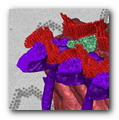
Visualization tutorials cover rendering of volumes and models.
Tools
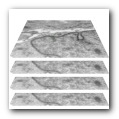
Tool-specific tutorials detail variety of MIB’s utilities and pipelines
https://mib.helsinki.fi/tutorials_programming.html
Programming
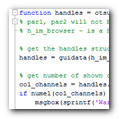
Programming tutorials cater to advanced users customizing MIB.
https://mib.helsinki.fi/tutorials_programming.html
YouTube Tutorials
For visual learners, MIB provides a variety of video tutorials linked from the features page. These videos demonstrate practical workflows and introduce segmentation tools.
Back to MIB | Getting started