Navigation
Installation Instructions
If you have a MATLAB license it is recommended to use MIB for MATLAB environment distribution of MIB suitable for Windows, MacOS and Linux.
Otherwise use the standalone versions of MIB compiled for your operating system.
As they are compiled with our academic MATLAB license, the standalone versions are for non-commercial academic research only (see license).
Run Microscopy Image Browser as standalone (macOS, Apple silicon)
Compiled with MATLAB R2026a for Macs with Apple silicon (macOS Tahoe 26.6.2)
Note! The screenshots on this page show the installer of MIB 2. The installation steps of MIB 3 are the same; we will update the screenshots as soon as possible.
- Requires a Mac with Apple silicon (M1, M2, ... processors). Macs with Intel processors are not supported by this build; on them use MIB 3 for MATLAB or the standalone MIB 2
- Download the recent version of MIB 3 (MIB3_Mac.zip)
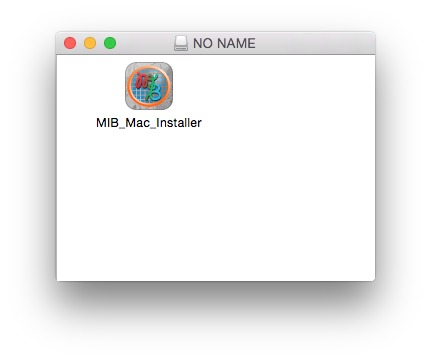
and unzip it; the archive contains the installer, e.g.
MIB3_Mac_2026-10_R2026a.app. The releases can also be downloaded from the Releases section of the MIB 3 GitHub repository, which hosts the source code as well - Double click on the installer to start the installation process (requires administrative privileges).
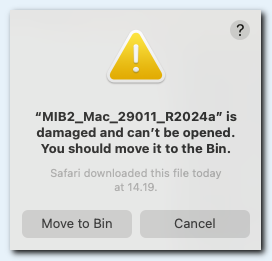
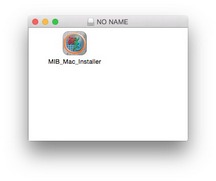 Damaged and Can't Be Opened
macOS may refuse to start the installer with the following message:
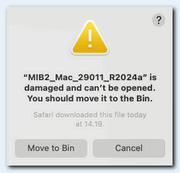
Applications downloaded from sources other than the App Store get the extended attribute com.apple.quarantine, which triggers the message:
"[application] is damaged and can't be opened. You should move it to the Bin."
This can be fixed by removing this attribute and restarting the installer:- Open the Terminal app
- Type (where [path/to/installer.app] is the location of the MIB installer):
>> xattr -dr com.apple.quarantine [path/to/installer.app]
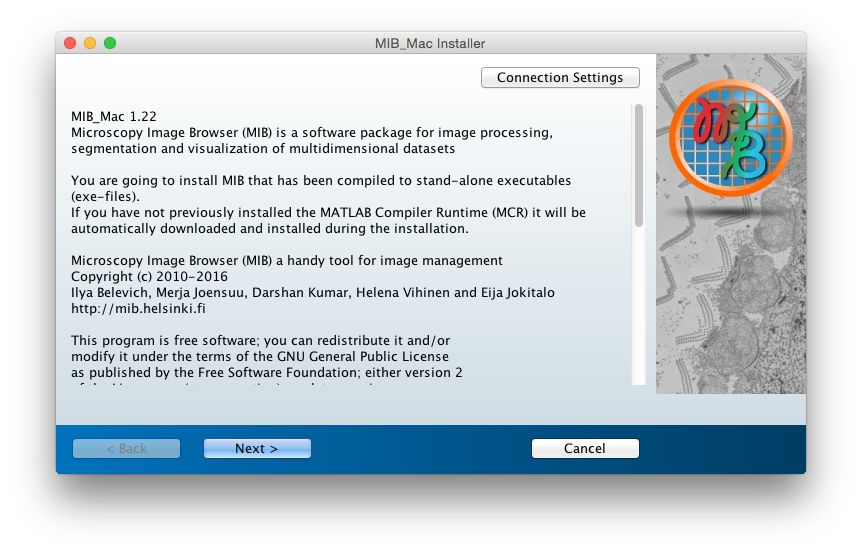
- Press Next
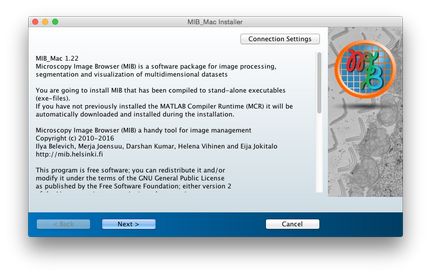
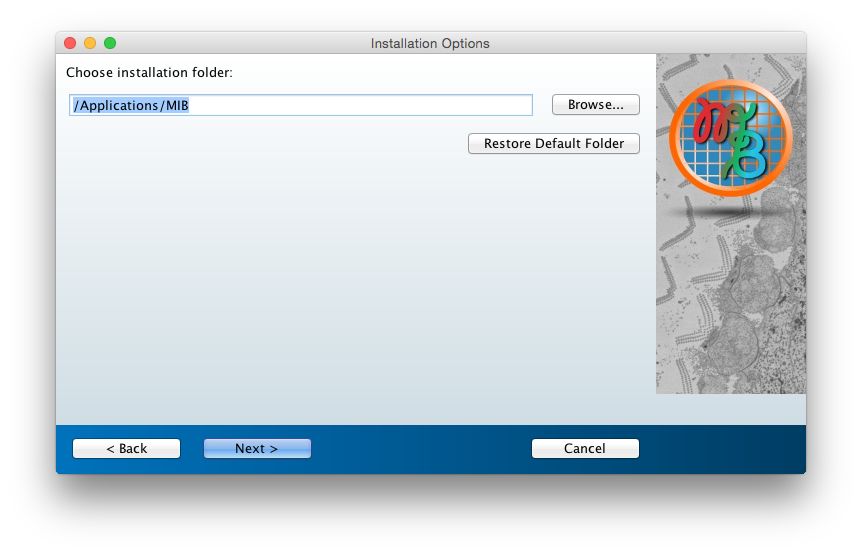
- Keep the default installation directory
/Applications/MIB3
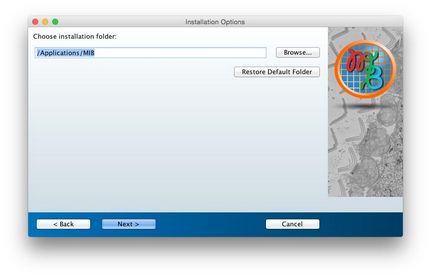
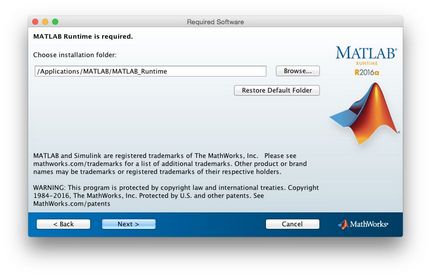
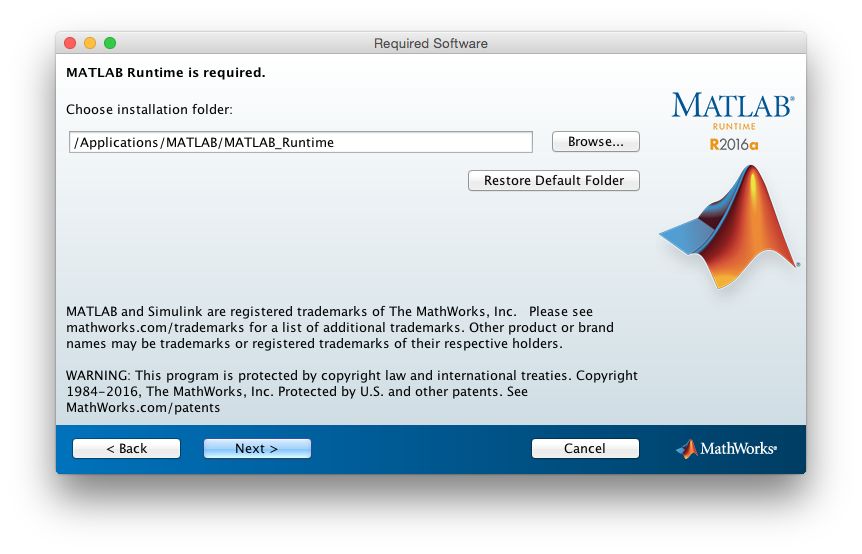
- If you have not previously installed the MATLAB Runtime R2026a, it will be automatically downloaded and installed
Install the MATLAB Runtime into the default installation directory
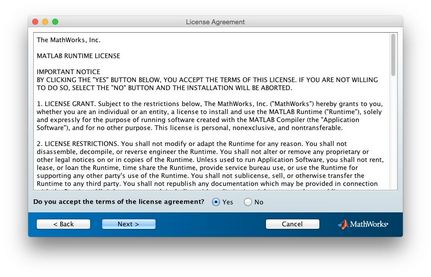
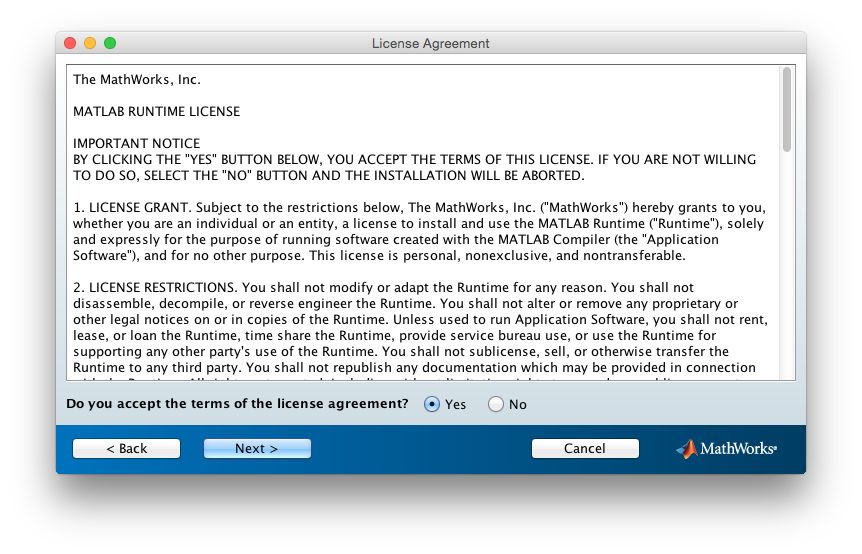
- Accept the license agreement and press Next
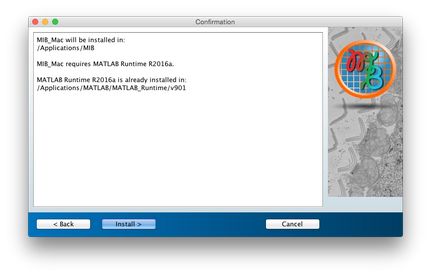
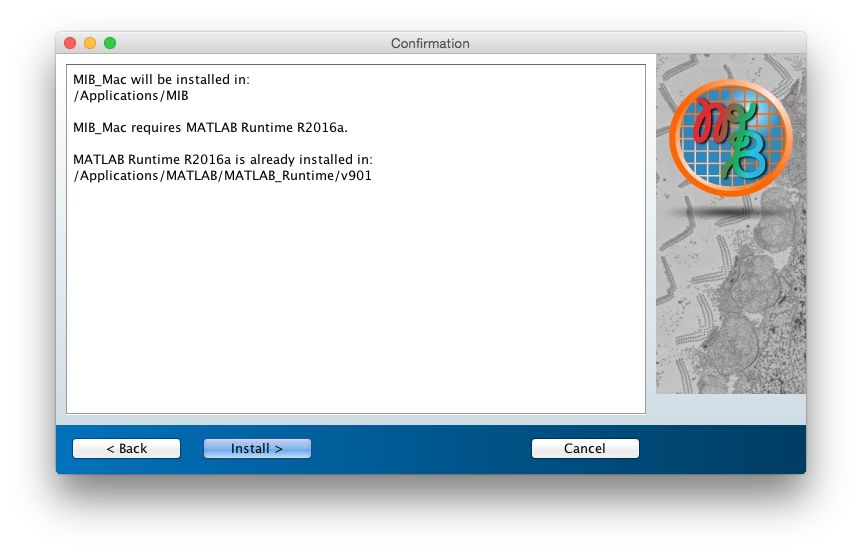
- Press Install to begin installation of MIB and the MATLAB Runtime
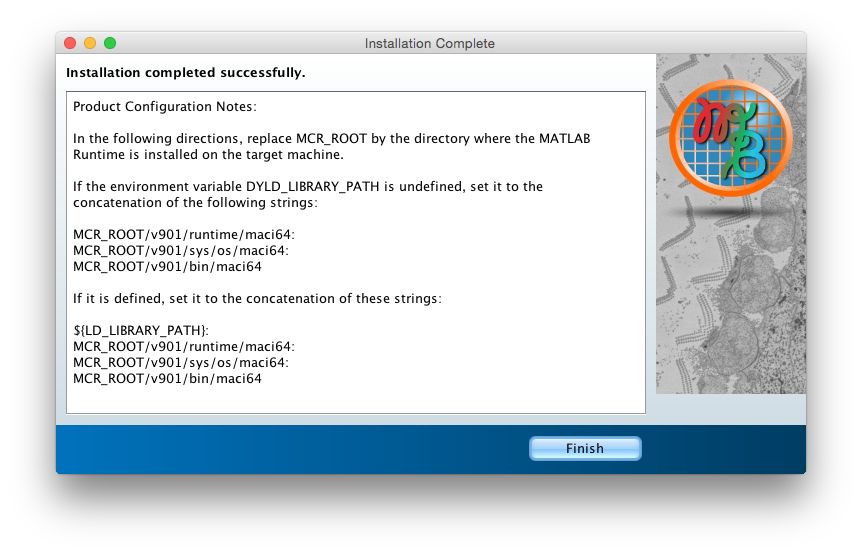
- Press Finish to quit the installer
if you want to use MIB with Fiji or OMERO please check the First start of MIB 3 section below
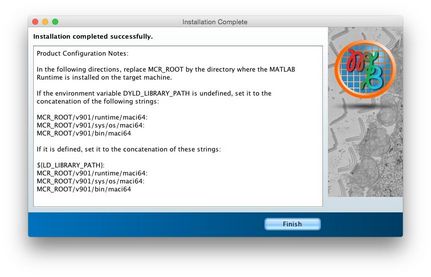
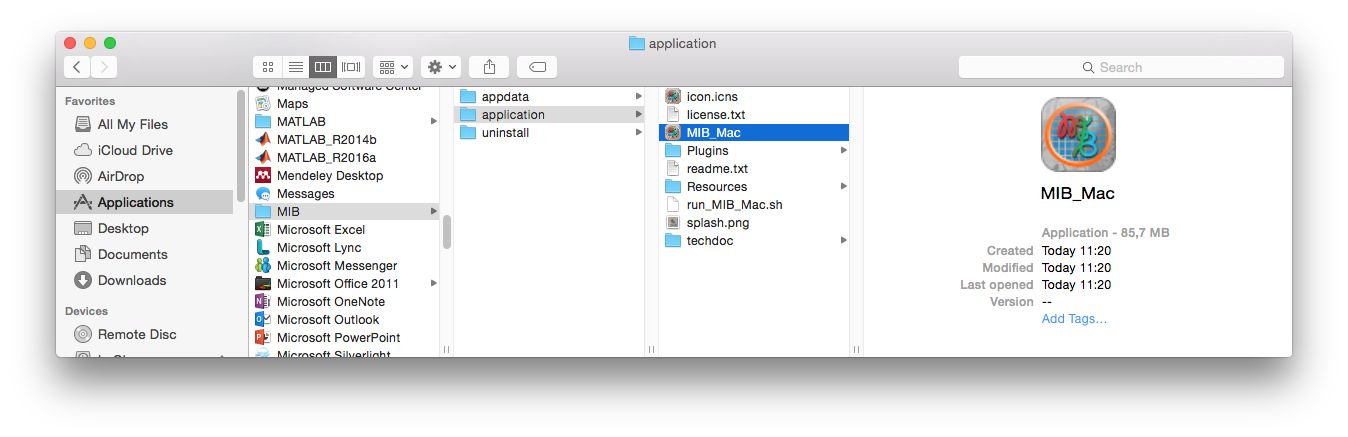
- After installation MIB is located in
/Applications/MIB3/application
Start it by double clicking on/Applications/MIB3/application/MIB3.app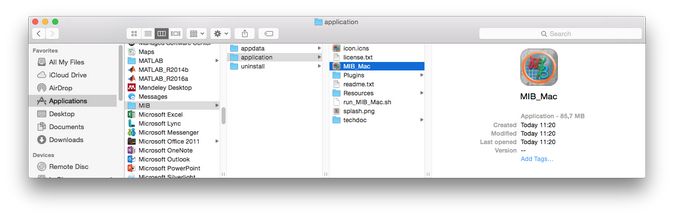
First start of MIB 3
- Start MIB by double clicking on
/Applications/MIB3/application/MIB3.app. A splash screen is shown while MIB starts; the very first start takes a bit longer, because the MATLAB Runtime is initialized - If macOS reports that MIB3 is damaged or cannot be opened, remove the quarantine attribute from the installed MIB in the Terminal app
(prefix the command with
sudoif the access is denied):
>> xattr -dr com.apple.quarantine /Applications/MIB3 - MIB may show a few dialogs: where to keep your statistics (asked once on each computer), how to enable Java (MATLAB Runtime R2026b and newer) and whether to download a newer version. They are explained in First start of MIB 3
- To use MIB with Fiji or OMERO, add their installation directories to
MIB->Home->Preferences->External directories - Access help from
MIB->Home->Helpor the MIB 3 user guide; see also tutorials